

Troubleshoot Desktop App Startup
If the Mem desktop app will not open or keeps closing, try the steps below.The Mem desktop app officially supports Windows 11 and later. If you use an earlier Windows version, use Mem on the web.
Example Error
On Windows, this problem can appear as an A JavaScript error occurred in the main process dialog that says The specified module could not be found.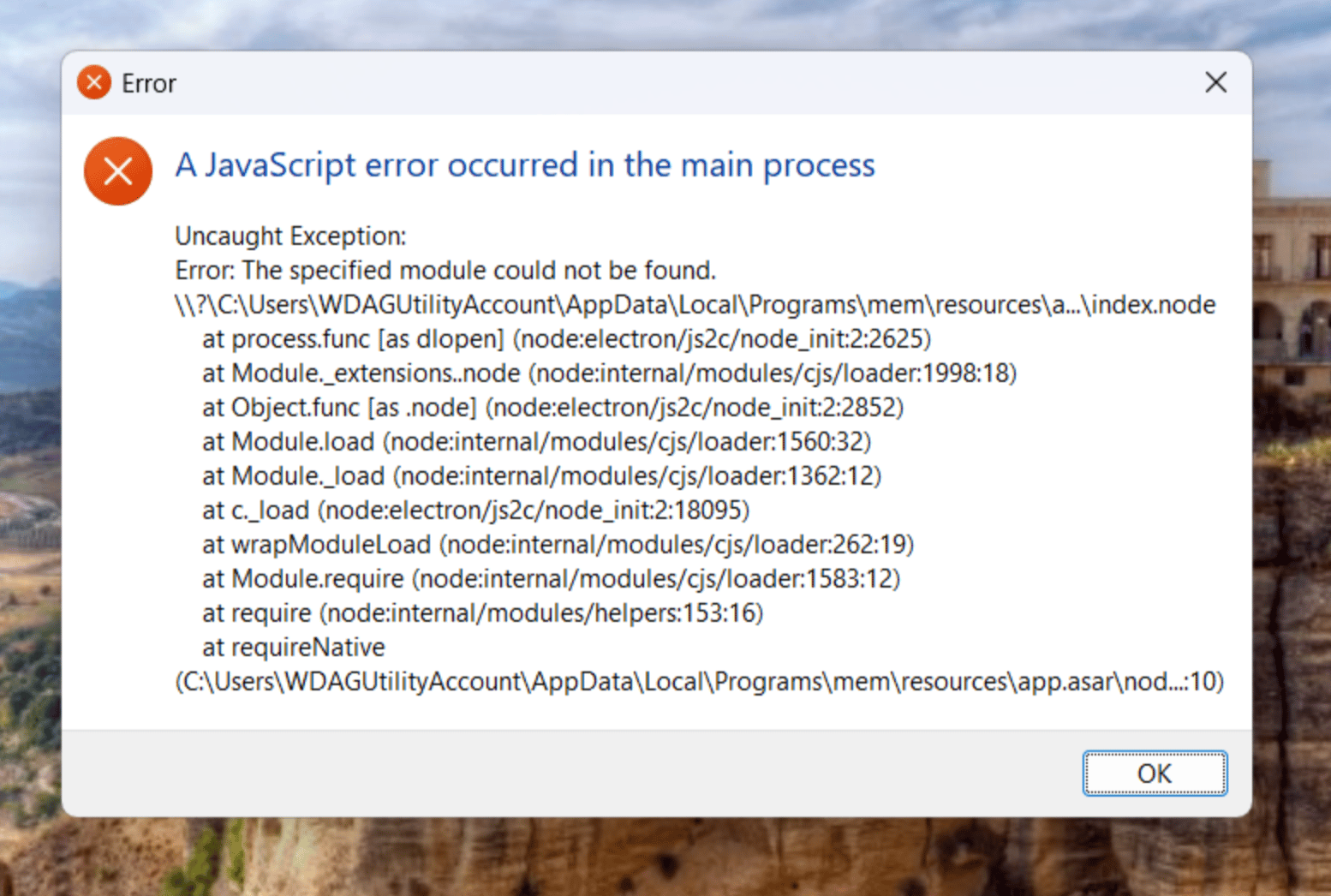
Try These Steps
- Fully quit Mem, then open it again.
- If Mem shows a Mem could not start message, select Try again once.
- Download and install the latest version from get.mem.ai/download.
- Restart your computer, then try Mem again.